
DIY Sketch
Sketch shapes to exact measurements.
Draw any outline, then dial in every side length and corner angle to the millimetre. DIY Sketch shows area, perimeter and angles as you go — perfect for planning a build, a bed, a room, or anything with straight edges.
Free · coming soon to the App Store
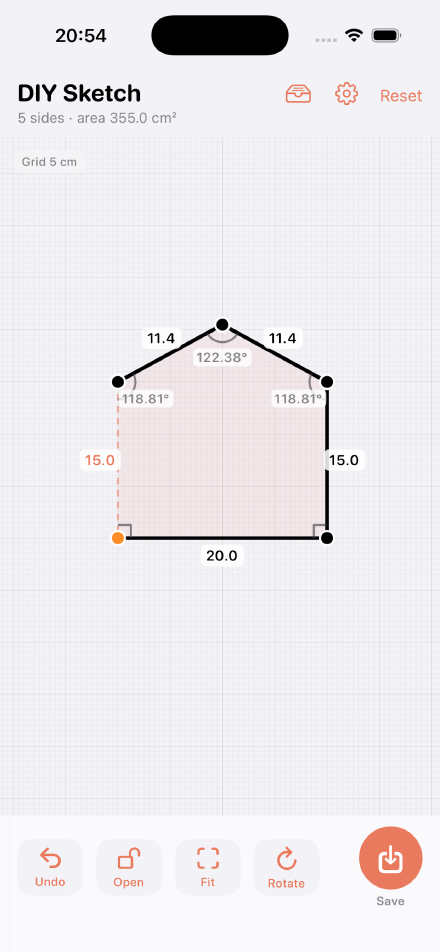
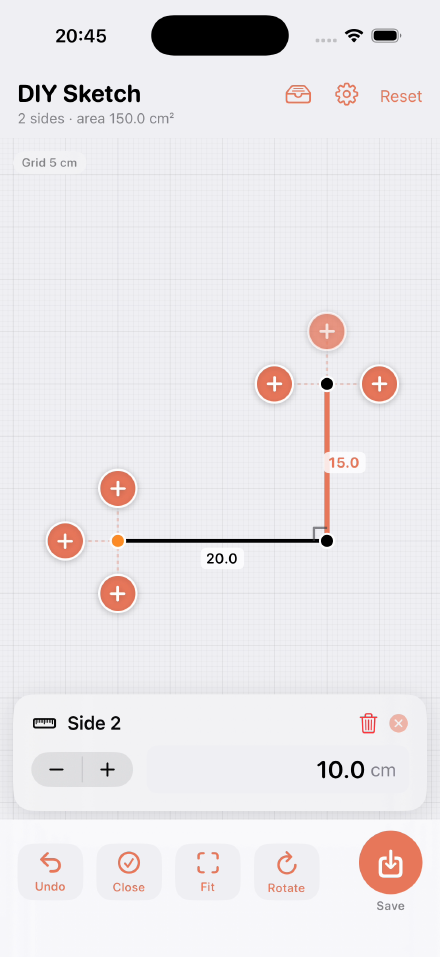
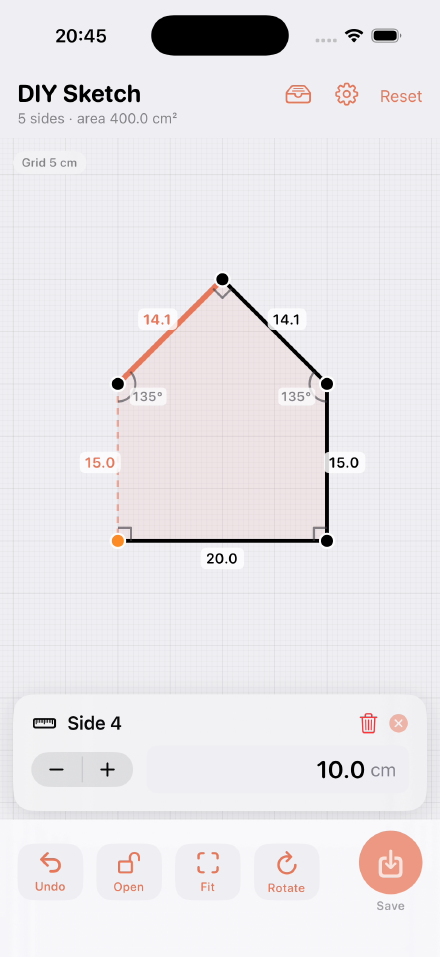
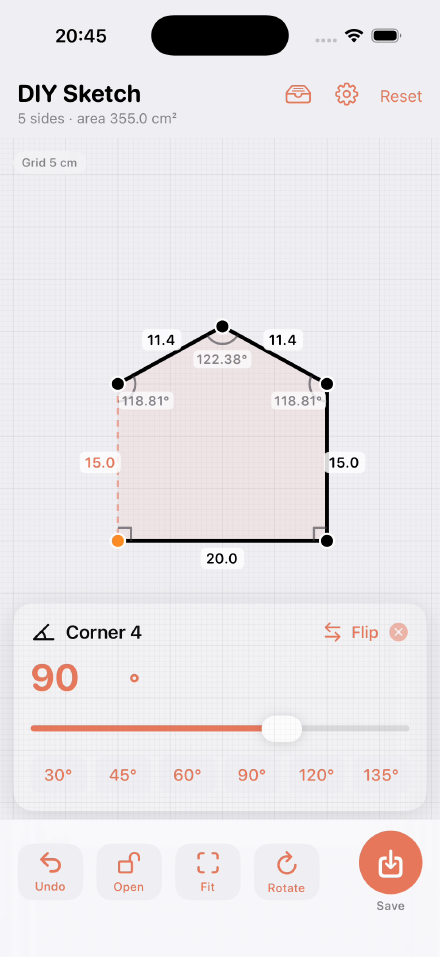
Tap to build a shape
Tap to drop points and grow your outline one side at a time. Leave it as an open path or close it into a solid shape — your call.
Exact side lengths
Every edge is editable. Type a precise length or nudge it up and down — right down to the millimetre.
Precise corner angles
Drag a corner freely, or dial in an exact angle with handy 30°, 45°, 60°, 90°, 120° and 135° presets.
Area & perimeter, live
Side count, area and perimeter update the instant you move anything. No calculator, no guesswork.
Metric or imperial
Work in mm, cm, m, inches or feet. Switch anytime — the shape stays put, only the numbers change.
Snap, save & reopen
Optional grid, length and angle snapping keep everything true. Save sketches to your library and reopen them whenever you like.